
It’s Saturday morning. Nine messages already sit in your inbox, and they’re asking the same three things: your hours, whether adults get in free, and what a party actually includes. That social post about your weekday toddler special? Still living in your head, two weeks running. A new hire is at the front desk waiting on training you never wrote down. And the ball pit needs eyes on it right now, because kids are kids.
You’re the owner. You’re also the marketer, the trainer, the booking coordinator, and the person watching the floor. There’s one of you.
That gap is where AI actually earns its place for an indoor playground owner. Not by running your business, and not by making a single safety call for you. It handles the repetitive, time-eating work first, so your hours land where your judgment matters.
This is written for first-time operators, soft play owners, and small FEC teams with no marketing person and no office manager. Here’s what you’ll walk away with:
- A simple test for where AI helps and where it hurts
- Seven uses built around how a play center actually runs
- The tasks you should never hand to AI
- A calm way to start this week without blowing up your workflow
Where AI Helps and Where It Hurts: A Quick Test
Before you open a single tool, sort your tasks. AI is genuinely good at some parts of your day and genuinely risky at others, and the owners who get burned are the ones who never drew that line.
Here’s the test I’d use. A task is a good fit for AI when it checks three boxes:
- It’s repetitive. You do it the same way, over and over.
- It’s low-liability. A mistake costs you a little time, not a child’s safety or a lawsuit.
- It’s draft-based. You’ll read and approve it before anyone else sees it.
Hit all three and hand it over. Answering the same parent question, drafting a caption, turning your notes into a checklist, brainstorming package names, sorting a pile of reviews into themes. AI gets you most of the way in seconds, and you spend your minutes on the part that makes it yours.
Now the other column. A task is a poor fit when it touches any of these:
- Safety. Rules signage, equipment warnings, emergency steps.
- Money. Your final prices, your margins.
- Legal. Waivers, liability language, policy wording.
- Local policy. Permits and regulations that change by city.
The common thread there is simple: a wrong answer costs you real money, real trust, or a child’s wellbeing. AI will state an outdated rule with total confidence and never flinch. So a human decides, every time.
If you remember nothing else, remember this: use AI for drafts, not decisions. It speeds up the work. You still own the call.
7 Practical Ways to Use AI in an Indoor Playground Business
These run roughly in order of how fast you’ll see a win. Don’t attempt all seven this month. Pick one, get it working, then add the next. Most owners don’t need more ideas anyway. They need fewer repeated tasks.
1. Answer the same customer questions faster
The same handful of questions fill your inbox and DMs every day. Hours. The sock rule. Age limits. What’s in a party package. Whether walk-ins are welcome on a packed Saturday. You’ve typed these answers hundreds of times, and typing them again is the definition of low-value work.
Feed AI your real policies once and have it draft clean, friendly replies. Save them as templates, or load them into a simple chatbot on your site and Facebook page. A prompt as plain as this works:
“Write a warm, short reply for a parent messaging us on Facebook. Explain that socks are required and sold at the front desk for $3, that our play area is for ages 0 to 10, and that weekend walk-ins are welcome but party rooms are reserved for booked parties.”
The easiest win here usually isn’t fancier content. It’s a faster reply time. Parents book the place that answers first.
One rule before you save anything: check every fact against your actual policy. AI should never invent your prices, your hours, or your rules. Get a reply right once, and it’s right for good.

2. Turn party inquiries into templates that follow up on their own
Party leads go cold for one reason: you’re too slammed to reply fast, and you never circle back. A parent messages Tuesday, you answer Thursday, and by then they’ve booked the place down the road.
Have AI draft a small set you reuse for every inquiry. A quick first response with your package options. A follow-up carrying the quote. A gentle nudge a few days later if they’ve gone quiet. You paste, swap the name and date, and send.
Fast, consistent follow-up is about the cheapest way there is to win more bookings, and parties usually carry your best margin. Once the templates exist, the real work shifts back to the offer itself, so it’s worth making sure the space and equipment behind those parties actually justify the price. If your party rooms feel tired, no template will save the booking, and the right indoor playground equipment is what makes a party worth paying for in the first place.
Read the tone before you hit send. A party reply should sound like a person who’s genuinely glad to host a kid’s birthday, not a form letter.

3. Plan a month of social posts in one sitting
Posting is the first thing that slips when you’re busy. Your feed goes quiet for three weeks, and the one channel where local parents actually find you goes dark right when you need bookings.
Tell AI what you’re pushing this month and let it build a four-week calendar in a single sitting: post ideas, captions, hashtag suggestions, the lot. Batch them, schedule them, move on.
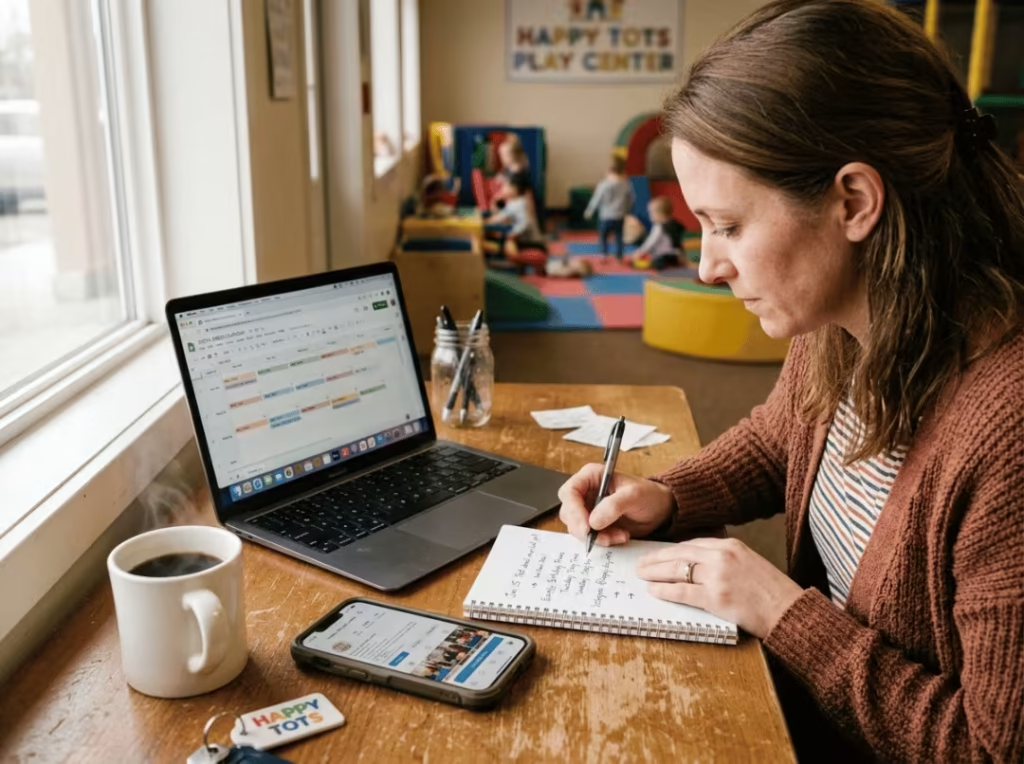
“Build a four-week social calendar for an indoor playground. Goals: fill weekday mornings with toddlers and push birthday bookings. Include ideas for rainy days, a school-break event, and behind-the-scenes cleaning clips. Keep captions short so I can adjust them.”
Then rewrite anything that sounds like nobody wrote it. The goal is that a regular reads a post and thinks “that’s them,” not “that’s an ad.” Your voice is what keeps families loyal, and it’s the one thing AI can’t hand you.
4. Turn your floor plan into cleaning and inspection checklists
Cleaning and safety checks fall apart the moment they live only in your head or one manager’s memory. On a chaotic Saturday, the ball pit gets skipped, and the ball pit is exactly what parents notice.
Describe your zones and have AI build daily, weekly, and monthly checklists broken out by area. Walk it through your play structure, ball pit, toddler zone, party rooms, café, and restrooms, and it sorts the tasks by frequency and flags the grime traps like tunnels and pits. If a routine lives in your head, it breaks the day you hire someone new. A posted checklist is what keeps a Tuesday-night closer doing the job the same way you would.
This only works if the list maps to what you’ve actually got on the floor, so walk the space with your full indoor playground equipment list and make sure every structure gets named. AI can’t inspect a bolt it doesn’t know exists.
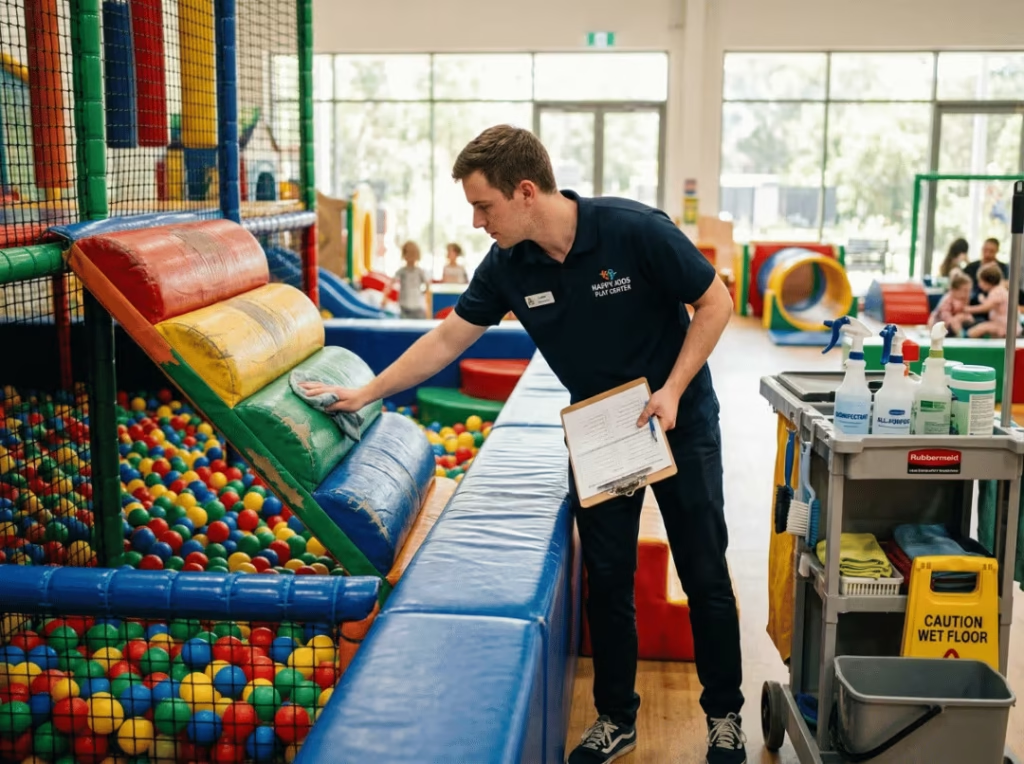
Walk the floor once with the draft in hand. Add anything specific to your build, then print it and post it where staff clock in.
5. Draft staff SOPs and training scripts
Onboarding is rushed and different every time, and with seasonal or part-time hires it’s worse. One party host learned the register one way, the next learned it another, and now nobody agrees on what’s correct.
Give AI a role and your rough steps, and it turns the mess into a clean, consistent document a new hire can actually follow.
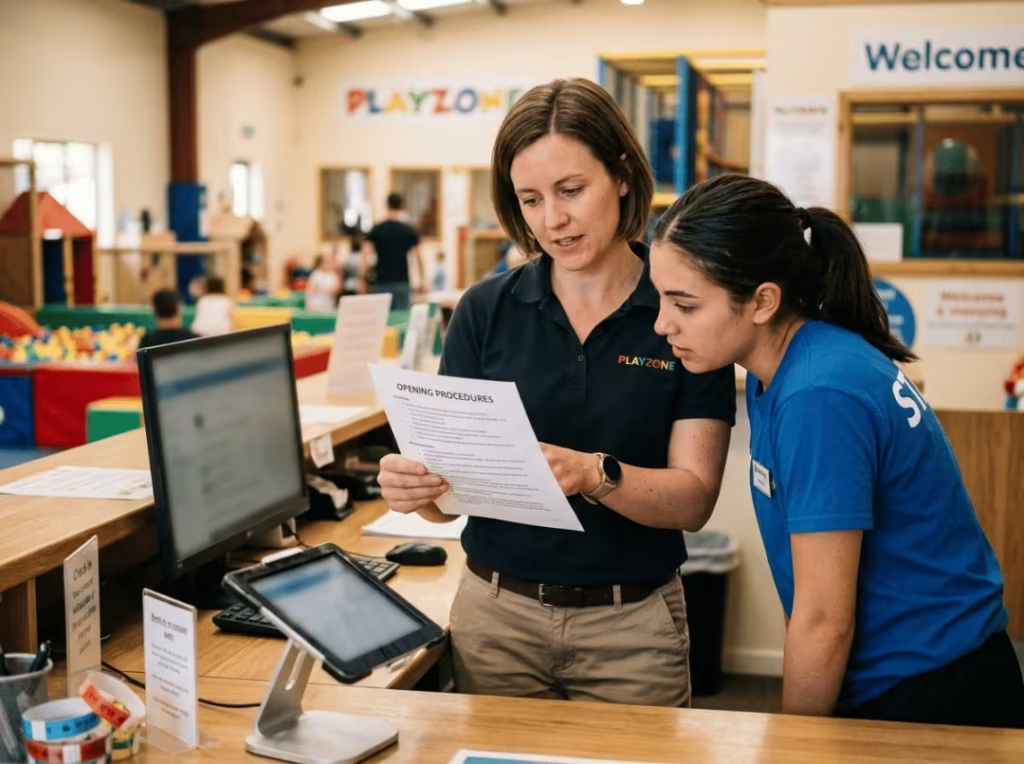
“Write a one-page SOP for a party host at an indoor playground. Cover greeting the family, setting up the room, running the two-hour timeline, and resetting afterward. Keep it step-by-step and simple enough for a teenager to follow.”
A good SOP isn’t really about polished wording. It’s about consistency on a busy Saturday, when three parties overlap and everyone’s improvising.
Here’s the hard line: you write and approve anything tied to safety, emergencies, and child security yourself. AI drafts the routine steps. It never guesses at an evacuation procedure, and you never let it.
6. Brainstorm and shape new offers
You’ve got ideas for a weekday special or a new package, but no quiet hour to name them, position them, and figure out what to charge. So they sit as ideas and earn nothing.
AI is quick at the front end of this: names, add-on suggestions, rough positioning, then the flyer and email copy once you’ve settled. It’s a fast way to move from a half-formed thought to something you can put in front of parents.
“Give me five names and a short pitch for an off-peak toddler morning package, aimed at parents of under-fives on weekday mornings. Suggest two add-ons that raise the value without much added cost.”
A distinctive room gives these offers real pull, which is where a themed space built with custom playground equipment earns back its cost. Families remember and post about a space that stands out, and a generic play area three exits away doesn’t get that word of mouth no matter how clever the promo name is.
One boundary holds firm: AI can suggest a starting price range, but it doesn’t know your rent, your labor, or what the market down the road charges. You set the final number against your real costs.
7. Reply to reviews and read the patterns in feedback
Reviews stack up unanswered, and the patterns buried in complaints slip right past you. You’ve got a vague hunch parents want more toddler space, but nothing solid to act on.
AI drafts calm, professional replies to reviews, the glowing ones and the angry ones. And when you’ve got a stack of feedback, paste it in and let it surface what keeps coming up.
“Here are 20 recent customer comments. Group them into the top three things parents love and the top three complaints, and tell me which complaint shows up most.”
Always personalize a review reply before it posts. A generic AI response to an upset parent reads worse than silence, because it tells them you didn’t actually read a word they wrote.
What You Should Never Hand Over to AI
Some jobs look like drafting work but carry real weight. These stay on the human side of the line no matter how buried you are.
- Safety wording and rules signage. A softened or invented rule can put a child at risk. Write these yourself and check them against your equipment and local requirements.
- Legal and waiver language. Waivers and liability policies need real legal review, not an AI paraphrase that sounds official and protects nothing.
- Injury and emergency response. Your staff follows a documented, human-approved procedure. Not an AI’s best guess in the one moment that matters most.
- Final pricing. AI has no idea what your rent is, what you pay staff, or what the place across town charges. Let it draft options. You pick the number.
- Local regulations and permits. Rules shift by city and change often, and AI will state a wrong requirement with a straight face. Verify with your local authorities.
- Anything customer-facing you haven’t read. A wrong fact in a reply costs you trust faster than a slow reply ever could.
The risk here isn’t that AI sounds robotic. It’s that it sounds confident and wrong. That’s the version that actually hurts you, because it slides past a quick glance and lands in front of a parent.
How to Start Without Overwhelming Your Team
The owners who stall out try to automate ten things in a weekend. The ones it works for start small and build. Here’s the order I’d follow.
Week 1 — pick one task. Choose the single most repetitive, lowest-risk job you do. For most owners that’s answering the same parent questions. Get that one working before you touch anything else.
Step 2 — write one prompt you can reuse. Once a prompt gives you a genuinely good result, keep it. Drop it in a notes app. This is the difference between saving time and starting from scratch every Monday.
Step 3 — build the review habit. AI drafts, a human approves, always. Make it the rule from day one, and a wrong price or an off-brand caption never reaches a customer. It isn’t slow. It’s the whole reason this holds up.
Step 4 — add a second task, then a third. Only once the first is running clean. Social posts are a natural next step. Grow the habit, don’t flood it.
Step 5 — train one team lead. Get one trusted person confident, then let them show the rest. It beats a group session nobody remembers, and it keeps everyone working from the same playbook. A tight, well-documented operation is what lets you grow without living on the floor seven days a week.
Common Mistakes Playground Owners Make With AI
The tool doesn’t fail on its own. It fails in specific, predictable ways in this business. Watch for these.
- Answering policy questions without checking the actual rule. AI will happily tell a parent socks are optional or the age limit is 12. One confident wrong answer and you’ve got a family showing up expecting something you don’t offer.
- Posting captions so generic they cool the brand off. Parents chose a local play center for a reason. If your feed reads like every other soft play place, that reason quietly fades.
- Pricing an offer off an AI guess. It doesn’t know your occupancy, your labor cost, or your slow season. A price that ignores those isn’t a deal, it’s a hole in your margin.
- Treating AI output as finished customer communication. A reply that goes out unread is a reply you didn’t write. When it’s wrong, it’s still your name on it.
- Handing over the ball pit inspection to a generic checklist. A checklist AI wrote without knowing your equipment misses the exact joint or net that needed a look. Name your real structures or don’t bother.
- Automating ten things at once. Errors pile up, the team gets confused, and everyone quietly goes back to the old way inside a week.
The owners who win with AI treat it like a fast intern, not an autopilot. Quick, useful, and never trusted with a customer until someone’s read it.
FAQ
Is AI worth it for a small indoor playground business?
Yes, especially when you’re running lean. It pays off most on the repetitive writing and admin that eats your evenings, like the same parent questions and keeping your feed alive. Start free with one tool and add more only if it’s genuinely buying you time back.
What AI tools are easiest for indoor playground owners?
A general chatbot for drafting replies and posts, a simple scheduler to batch your social content, and an optional no-code chatbot to field FAQs on your page cover most of it. Begin with one, get comfortable, then add another. None of them need a tech background.
Can AI help me get more party bookings?
Indirectly, and it does move the needle. Faster inquiry replies, follow-ups that actually happen, and a feed that doesn’t go dark all lift bookings, and AI makes each one easier to keep up when you’re slammed. It won’t sell the party, but it stops leads from going cold while you’re on the floor.
Can AI write my staff training and SOPs?
It drafts the routine steps well and saves you a blank-page afternoon. Hand it a role and your rough process and you’ll get a clean, consistent document back. You still write and approve anything about safety, emergencies, or child security yourself, because those parts are yours to own.
Will AI make my playground feel less personal?
Only if you post its output untouched. Used as a first draft you shape into your own voice, it does the opposite. Clearing the busywork gives you more time on the floor with families, and that’s the personal touch that actually counts.
How much time can AI realistically save an owner?
Most owners get a few hours a week back once two or three tasks are set up, mostly from customer replies and content. The gain grows as you build a small library of prompts you reuse. It’s not magic, but a few hours every week adds up fast when you’re the one doing everything.
Bringing It Together
AI is at its best on the repetitive, low-value work that keeps you off the floor and up late. It’s at its worst, and genuinely risky, the second it touches safety, money, legal, or local policy. Keep that line sharp and the tool becomes an asset instead of a liability waiting to happen.
Clear the busywork and you get your evenings back, and your attention goes where it belongs: the families in your space and the team on your floor.
So here’s the one move for this week. Pick the most repetitive thing you do, almost certainly answering the same parent questions, and spend twenty minutes building one solid, reusable draft for it. Check every fact, save it, use it. That first win is usually what talks you into the next.
And once your systems are lighter and you’ve got room to think again, step back and ask an honest question: does your space and equipment still match how families actually use it? That’s the kind of decision worth your full attention, now that you’ve got some of it back.